Pre-Workshop Setup (Do This Before We Meet!)
Complete these steps ahead of time so we can focus on building during our live session
Create your accounts and install Claude Code beforehand - we'll do all the building together during the workshop!
Why Set Up Accounts Ahead of Time?
Account creation involves email verification and can sometimes be slow. By handling this beforehand, our live workshop time is 100% focused on the exciting parts - building amazing educational tools!
What You'll Accomplish
Just 4 simple steps to get ready:
Create Accounts
GitHub (free), Render (free), and Anthropic (paid subscription required)
Get Your API Key
Create an Anthropic API key to power your AI chat assistant
Fork & Deploy Your Workshop
Get your personal copy running on Render with your AI assistant
Install Claude Code
Set up the AI development tool for building your educational tool
Pre-Workshop Checklist
Just create these accounts - that's it! We'll do everything else together during the workshop.
Create Your Accounts
Get set up with the three services you'll need:
📸 Step-by-Step Screenshots
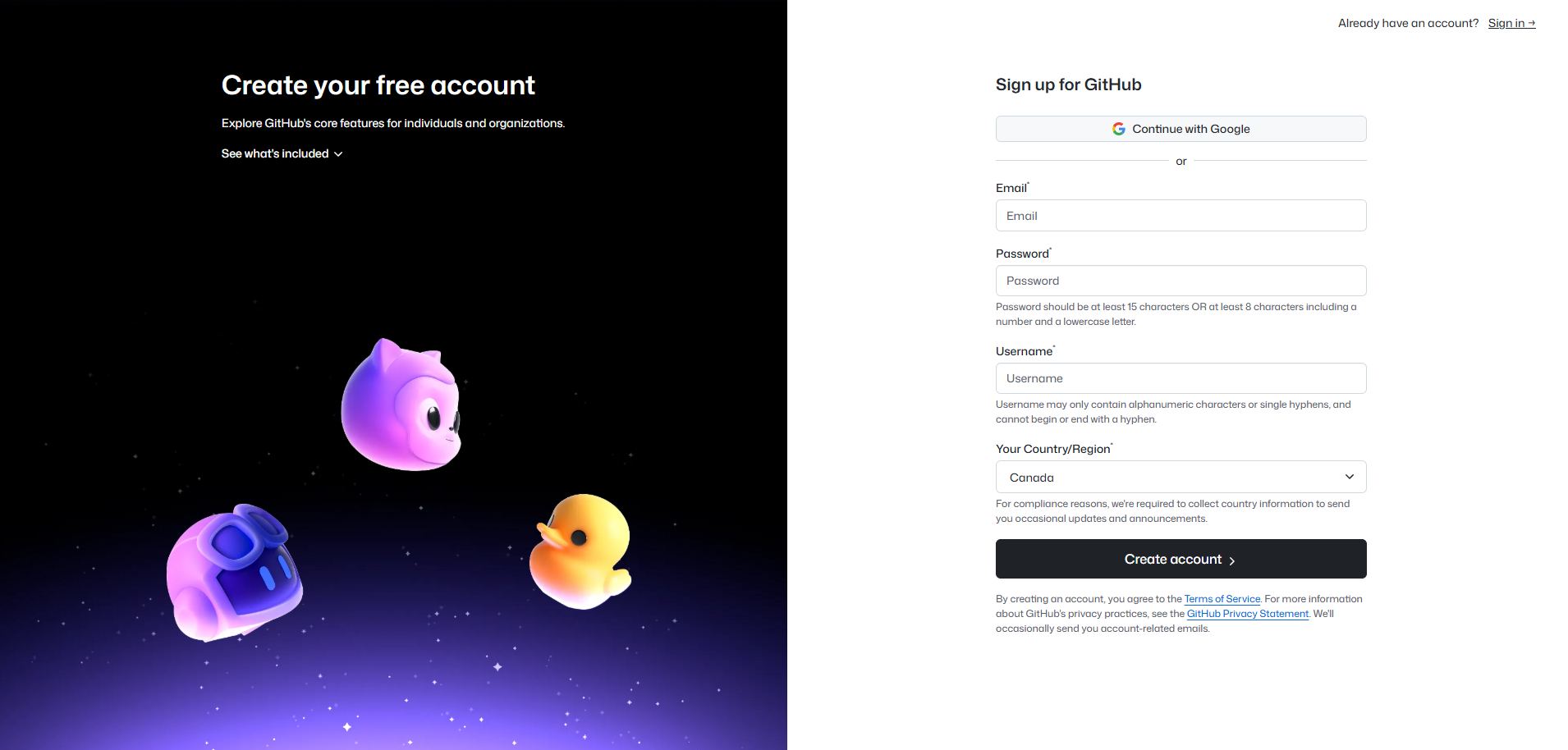
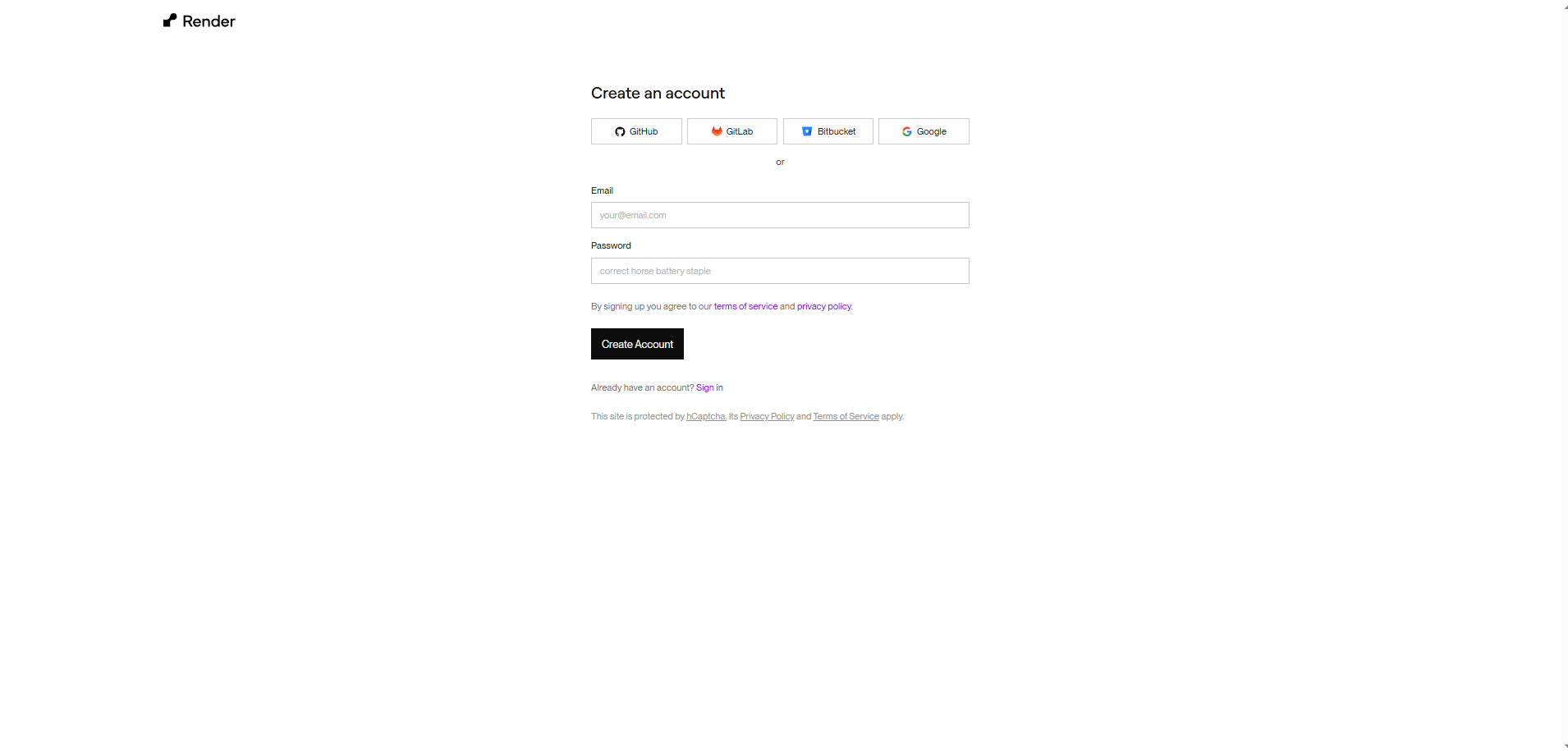
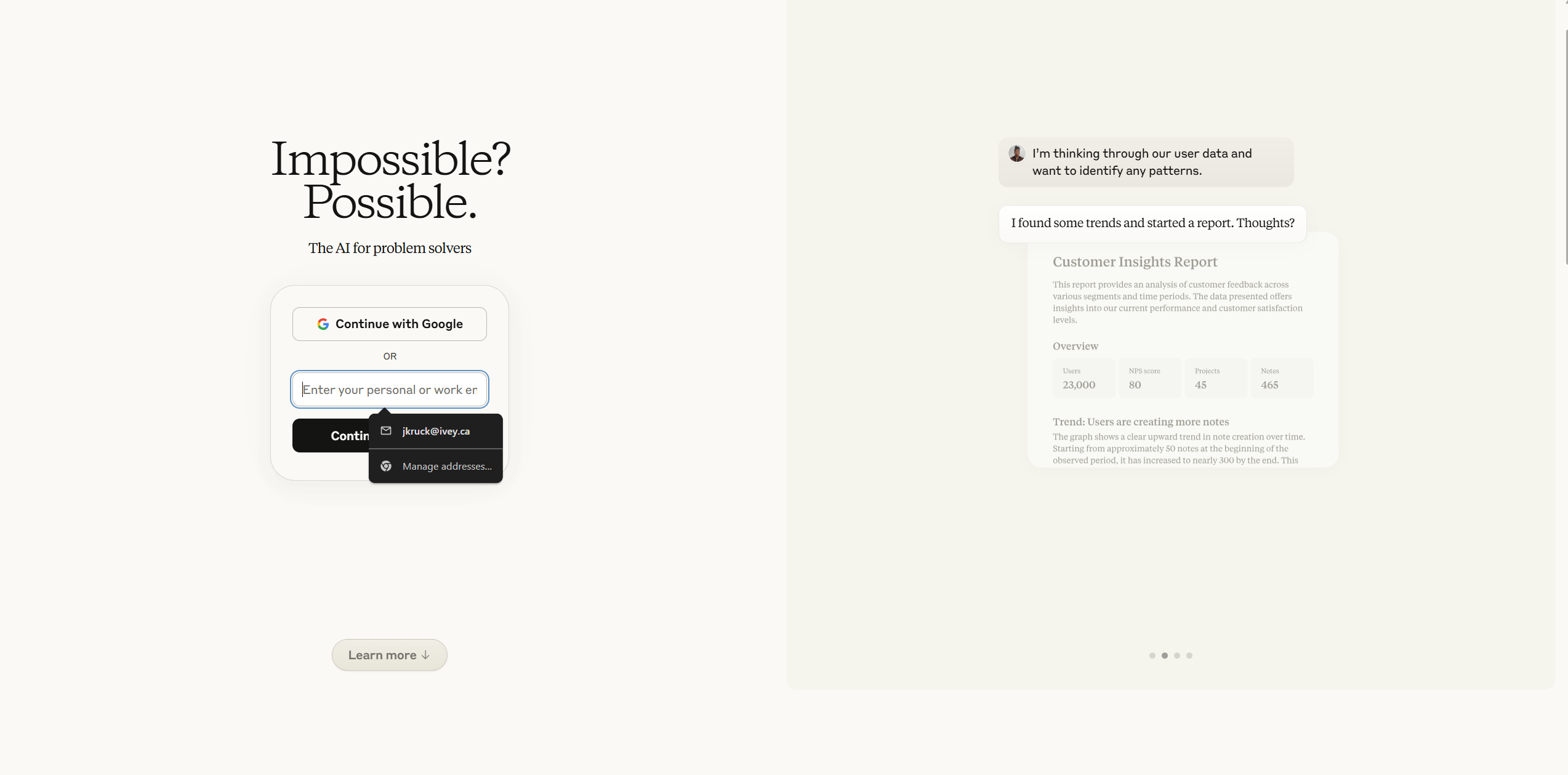
GitHub (Free)
For storing and sharing your code
Render (Free)
For hosting your tools online
Anthropic (Pro/Max)
For Claude Code access (requires paid subscription)
Get Your Anthropic API Key
Create your API key to power the AI chat functionality in your workshop:
⚡ Essential Step
Your workshop won't work without this! The AI chat assistant requires an API key to function. This is what makes your workshop interactive.
Getting Your API Key:
- Go to console.anthropic.com
- Sign in with the Anthropic account you just created
- Click on "API Keys" in the left sidebar
- Click "Create Key" button
- Give it a name like "Workshop API Key"
- Copy the key (starts with
sk-ant-)
💡 Important Notes
Save your key somewhere safe! You won't be able to see it again after you close the page. You'll need it for the next step when deploying your workshop.
Fork & Deploy Your Workshop
Get your personal copy of the workshop running with your AI assistant:
🧠 Don't worry if this feels overwhelming!
You're not alone: We'll help you through any technical issues during the workshop. Focus on creating the accounts - that's the most important part.
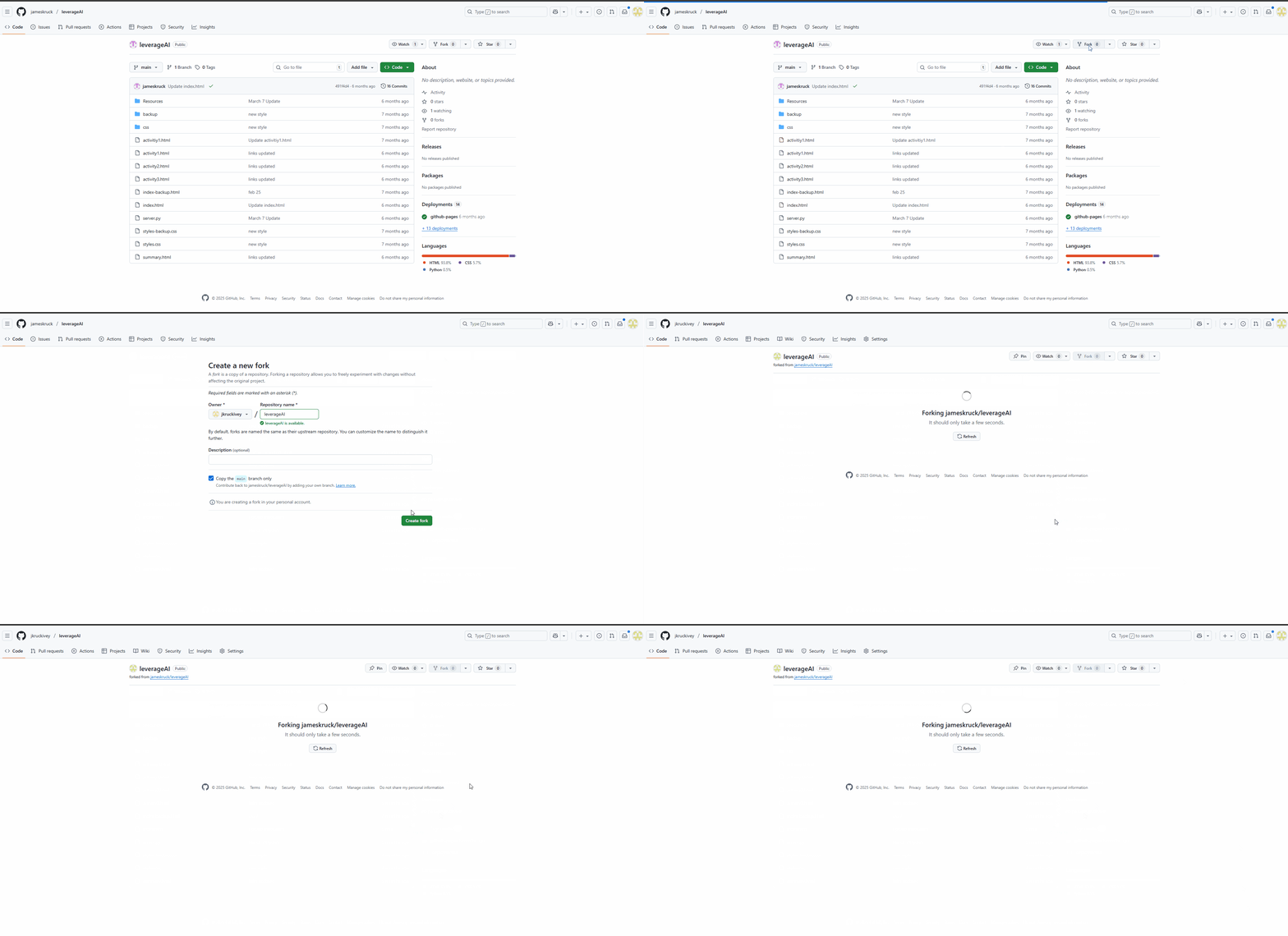
- Fork this repository: Go to this GitHub repo and click "Fork" to create your own copy
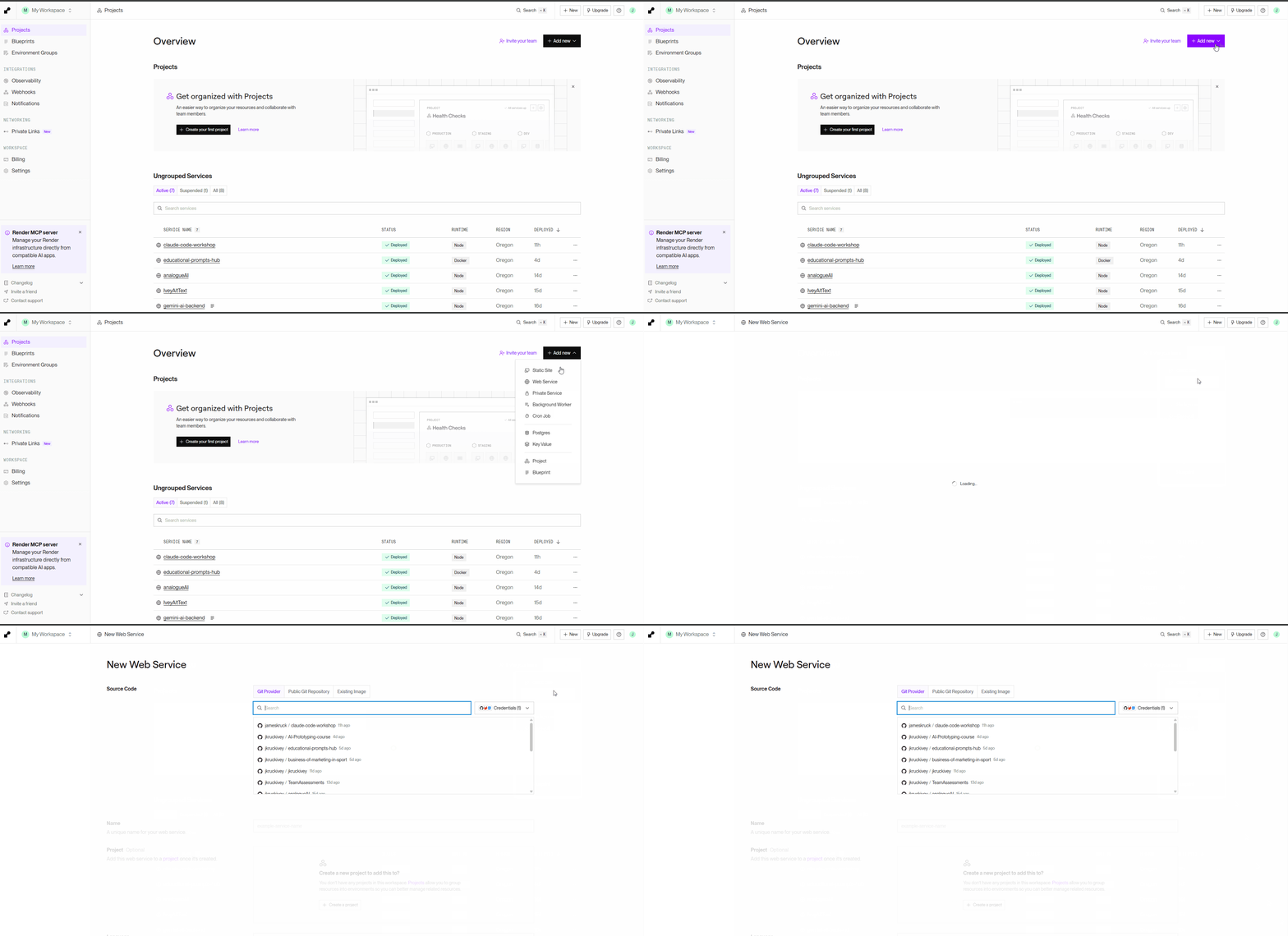
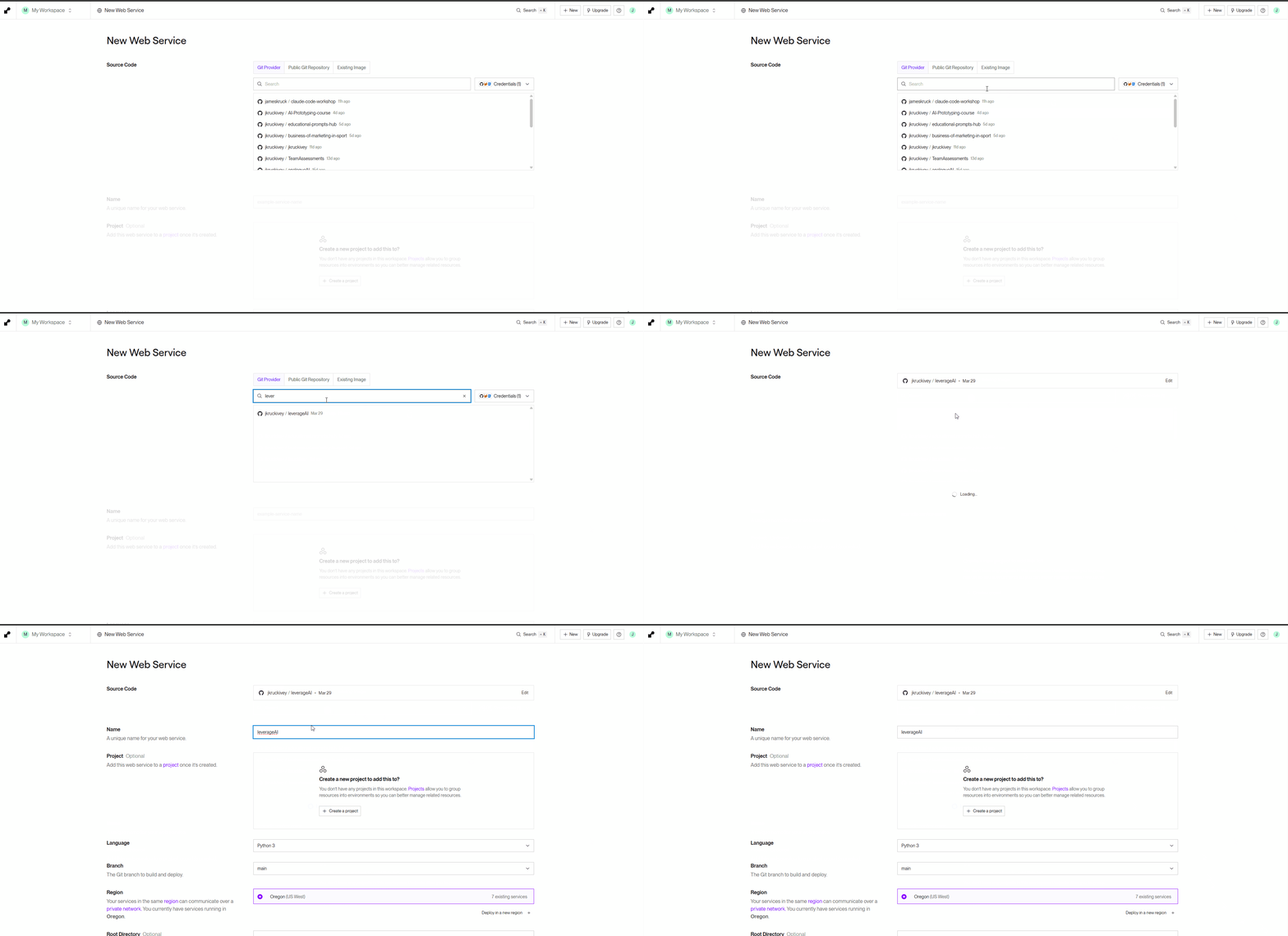
- Deploy to Render: Go to render.com → "New +" → "Web Service" → Connect your forked repo
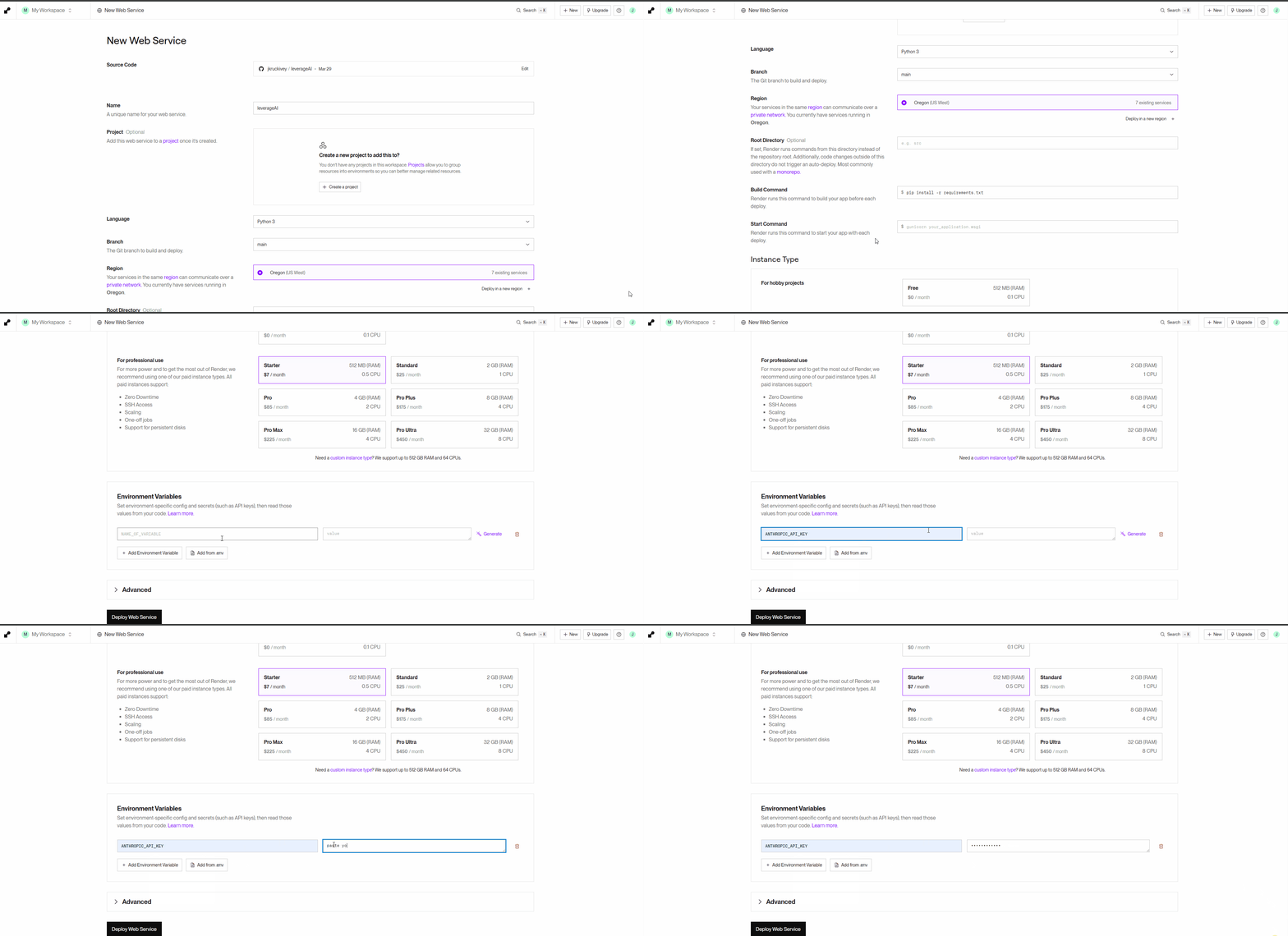
- Add your API key: In Environment Variables, add:
Key: ANTHROPIC_API_KEY
Value: paste your API key from Step 2 - Deploy: Click "Create Web Service" and wait ~3 minutes
📸 Step-by-Step Screenshots
Install Claude Code
Install Claude Code on your computer - this is the AI development tool we'll use to build your educational tool:
System Requirements:
- Node.js 18+ (we'll check this during workshop if needed)
- Terminal/Command Line access
- 4GB+ RAM
💡 New to command line tools?
The "terminal" or "command prompt" is just a text-based way to talk to your computer. Don't worry - we'll help you find it during the workshop if needed!
Installation Steps:
- Open your terminal/command prompt
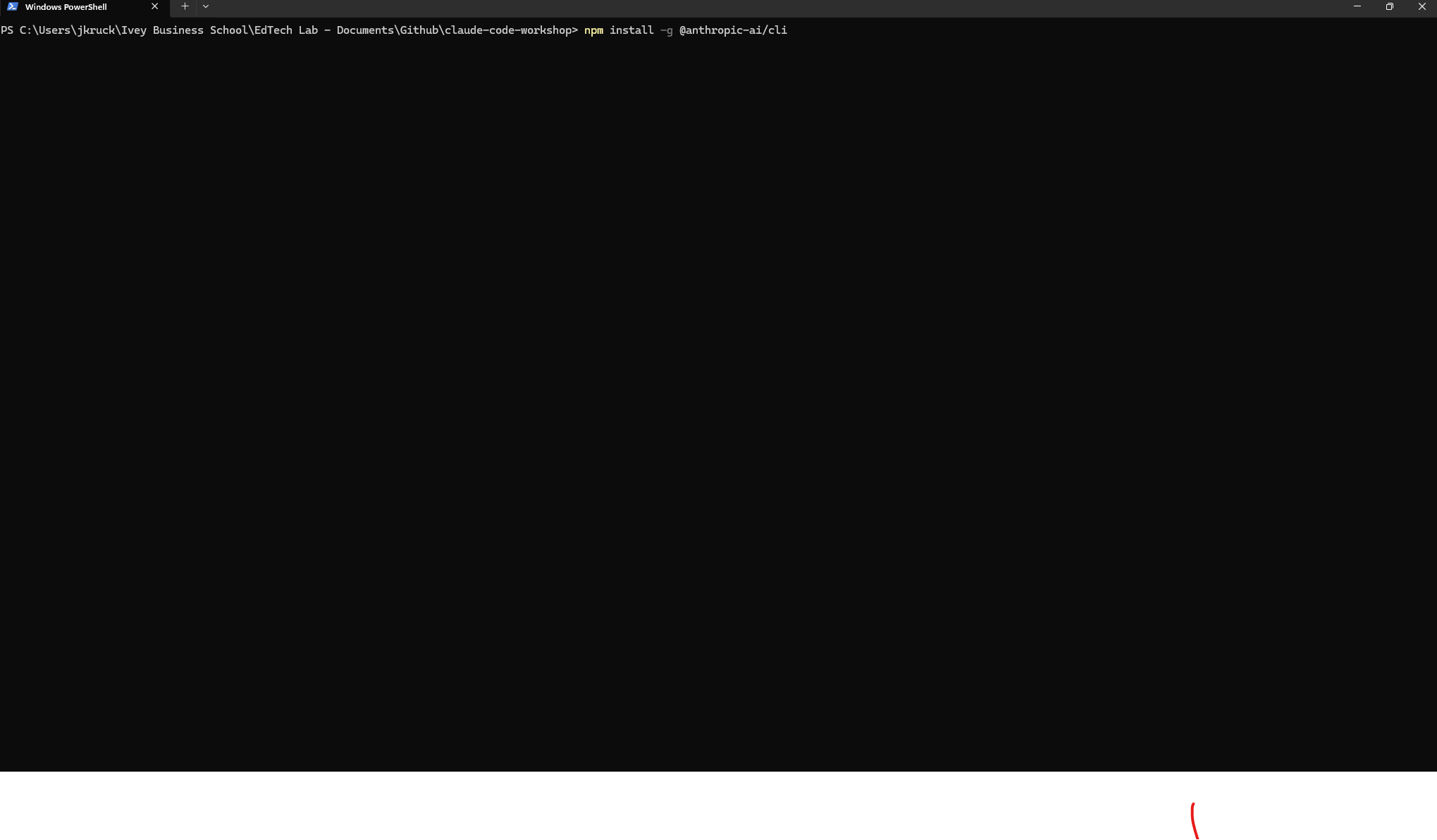
- Run:
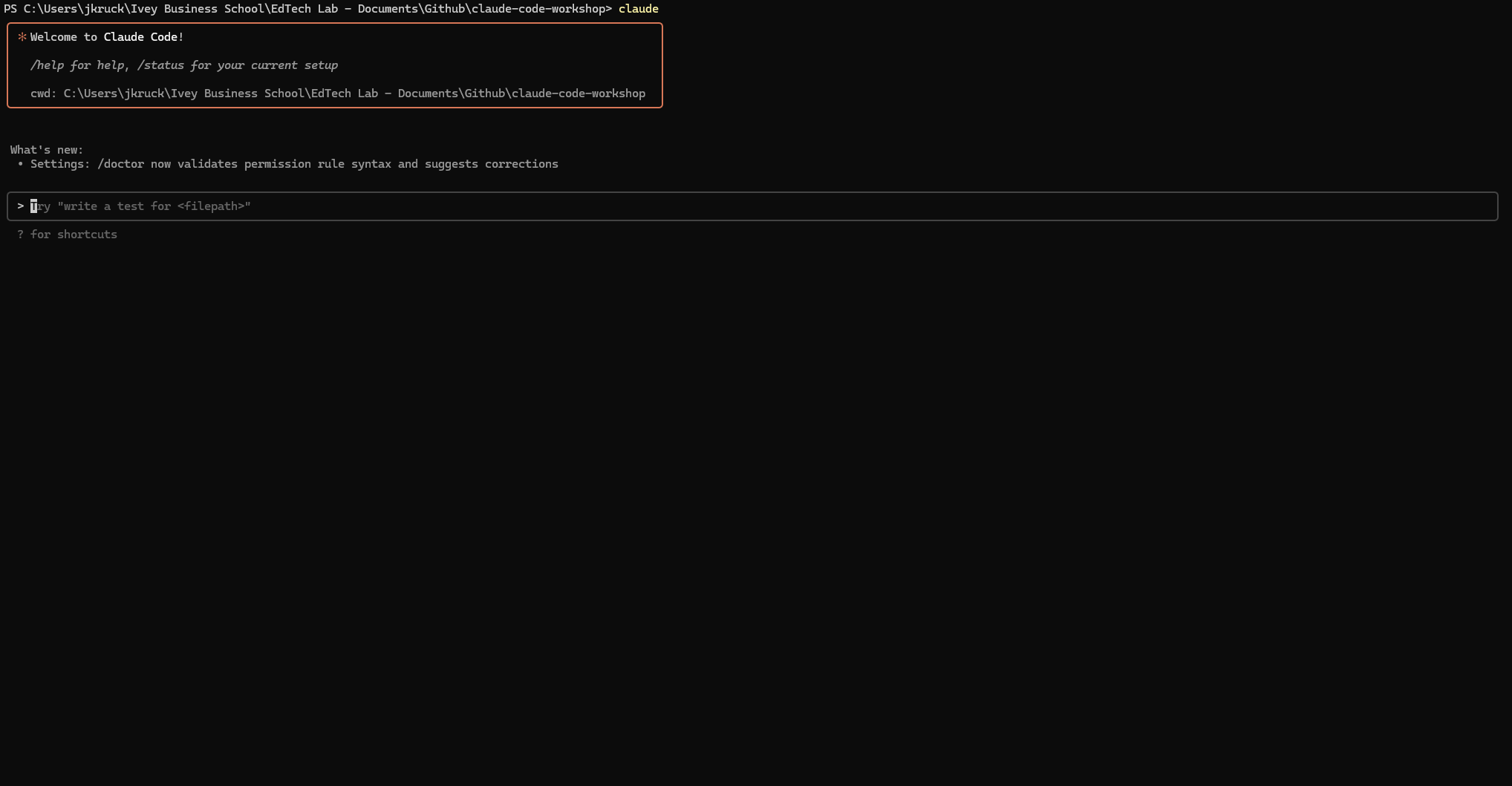
npm install -g @anthropic-ai/claude-code - After installation, type
claudeto start - Sign in with your Anthropic account when prompted
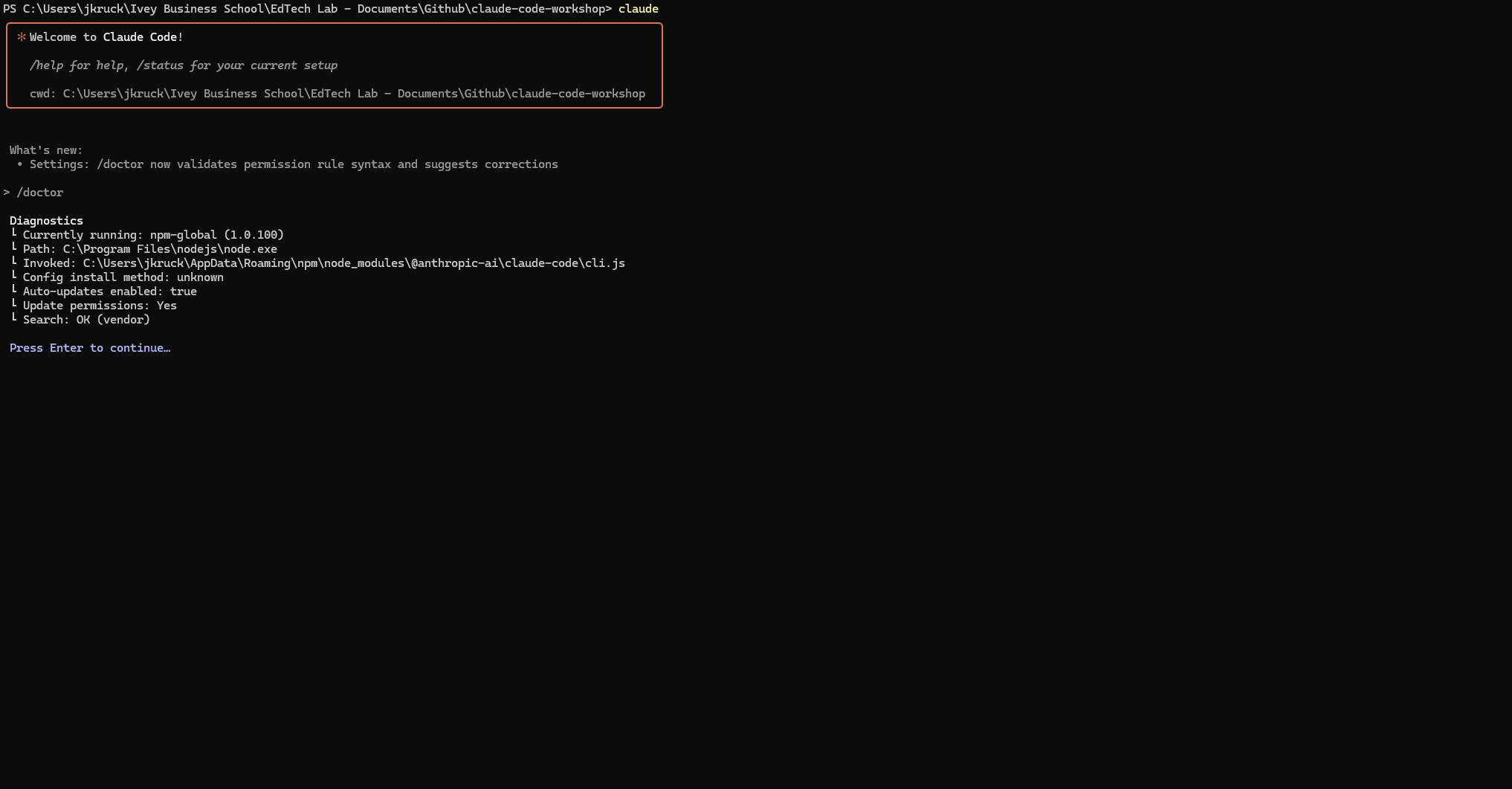
- Run
claude doctorto verify everything works
📸 Claude Code Setup Screenshots
⚡ Priority Reminder
Most important: Having your accounts ready! If Claude Code installation feels too technical right now, skip it - we'll help you install during the workshop.
You're Ready When
Complete these 4 simple steps and you'll be set for an amazing workshop experience: